
Keys for Your Altima
Nissan Altima Key Replacement & Key Fob Replacement in Rockville, MD
Call (240) 222-1318 for Nissan Altima key replacement when your last key is missing or your fob stops working. We handle replacement keys, key fobs and programming, with compatibility checked for your Altima’s year and key type.
- Open 24 hours a day
- Licensed and insured
- English and Spanish spoken
Get a fast quote
Nissan Altima Key Replacement: Chip Keys and Push-to-Start Fobs
About 2000–2006: Chip Key
Altimas from this approximate period use a chip key. For an owner, replacing a missing key means addressing its starting function as well as the physical key; matching its appearance alone does not establish that it will start the car.
After About 2006: Usually a Push-to-Start Smart Key
Most later Altimas use Nissan’s push-to-start smart key. A Nissan Altima key fob replacement needs to match the car’s key system, so treat these dates as a general guide rather than a firm changeover for every version.
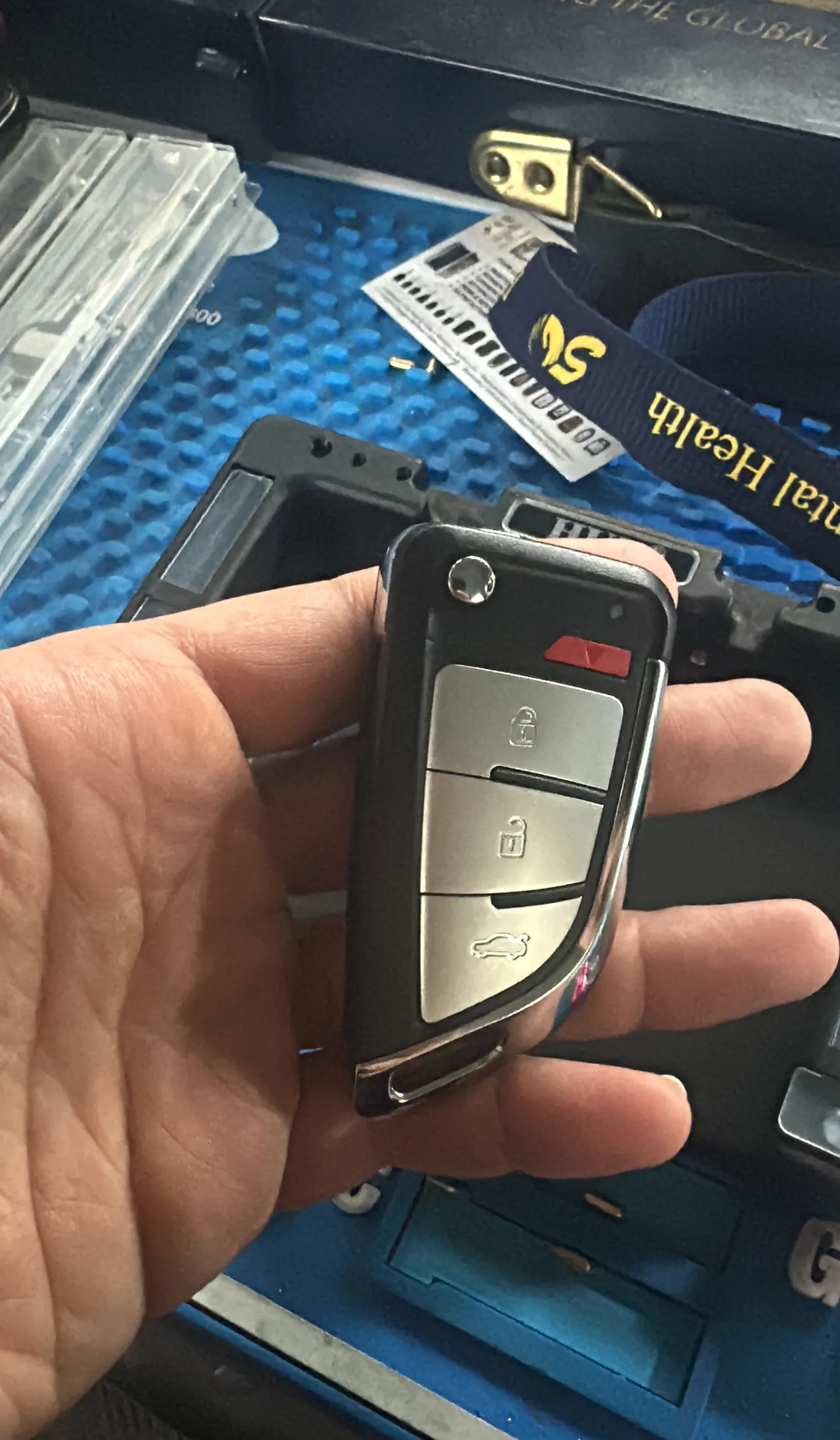
Missing Altima Keys, Failed Remote Buttons and a Damaged Key
Your Last Altima Key Is Missing
Losing the only key leaves you without a working spare to use while arranging replacement. We make a new car key on site when all keys are lost; an existing key is not required for that service.
The Remote Buttons Stop Responding
Check whether the remote buttons have stopped working, whether the car will start, or both. Those are different symptoms: a failed button response alone does not establish that the entire Nissan Altima key fob needs replacement.
The Key Is Damaged or Broken
A visibly damaged Nissan Altima key calls for a different service than a missing one. We offer car key repair and broken key extraction, so replacement is not the only service relevant to a damaged physical key.
The Keys Are Locked Inside
A key inside the Altima is an access problem before it is a replacement problem. Our car lockout service addresses getting back into the vehicle when the key is still inside.
Need help now? (240) 222-1318
Three Checks to Separate an Altima Fob Problem From a Starting Problem
- Try Your Working Spare — If you have a spare that previously worked, try it before ordering another key. Compare both remote operation and starting; success with one key gives you a useful comparison with the key that stopped working.
- Check Remote Operation and Starting Separately — Test whether the buttons operate the locks, then check whether your Altima starts using its usual starting method. Keep the two results separate rather than treating a remote-button failure as proof of a starting-system failure.
- Review a Recent Battery Change — If the trouble began immediately after changing the fob battery, check the replacement battery and its placement against the instructions you followed. That timing makes the battery change the first thing to revisit before deciding to replace the complete fob.
An Altima Used for Commuting or Shared Trips Needs a Spare-Key Plan
When your Altima handles the daily commute, losing a single key interrupts every trip that depends on it. If two people share the car, one working key also means coordinating every handoff. Adding a spare while the original still works gives each driver access without passing the same key back and forth.
For a later push-to-start Altima, include key fob programming in the spare-key request rather than treating the fob as a finished replacement simply because it looks right. Our Nissan key replacement service covers replacement requests, while the Altima’s approximate key eras above help distinguish a chip-key request from a smart-key request.
Need help now? (240) 222-1318
Frequently asked questions
Why did my Nissan Altima remote stop working after a battery change?
Start by reviewing the battery replacement instructions and checking the battery’s placement. Then test remote operation and starting separately, using a working spare for comparison if you have one. A remote that stopped responding after a battery change does not, by itself, establish that you need another fob or Nissan Altima key fob programming.
How long does Nissan Altima key replacement take once you reach the car?
The typical arrival time is 15-30 minutes; that describes reaching you, not completing the key work. Making a missing key, adding a spare and addressing a remote problem involve different work, so the arrival window should not be used as a completion estimate. Your Altima’s chip-key or smart-key system is also relevant to the replacement request.
What should I do if my Altima key turns but the car will not start?
Try a previously working spare if you have one, and check whether the same starting problem occurs. A key turning in the ignition does not establish why the engine will not start. We offer car key repair and ignition repair; replacing the remote alone does not address every possible cause of this symptom.
Can I add an Altima spare before my last working key fails?
Yes, you can request an additional key while you still have a working one. Keep the working key available for comparison, and request the appropriate chip key or push-to-start smart key for your Altima. A spare also lets two drivers use the car without relying on a single shared key.
Missing Your Last Altima Key?
Call (240) 222-1318 for replacement-key service at your vehicle in Rockville or anywhere in Montgomery County.