
Help for Your Explorer
Ford Explorer Key & Key Fob Replacement in Rockville, MD
Call (240) 222-1318 for Ford Explorer key replacement when your only key is missing or your fob stops responding. We handle replacement keys, key fob replacement and programming, along with damaged keys and keys locked inside your Explorer.
- Licensed and insured
- English and Spanish spoken
- At least a 6-month warranty on parts and labor
Get a fast quote
Ford Explorer Key Replacement Across Keyed and Push-to-Start Years
About 1998–2022 — Chip Keys and Later Remote-Head Keys
Keyed Explorer versions across this approximate range used chip keys, with remote-head keys appearing later. The year alone does not settle the key type: start with whether your Explorer has an ignition you turn with a key.
Newer Model Years — Push-to-Start on Many Trims
Many newer Explorer trims use push-to-start, so a conventional ignition key is not the starting point for replacement. These are broad, overlapping categories; an Explorer’s model year does not establish that every trim uses the same key.
Missing Explorer Keys, Damaged Keys and Unresponsive Fob Buttons
Your Explorer Key Is Missing
Separate a lost key from a key you can see inside the locked vehicle. A missing key calls for replacement; a usable key locked inside calls for our car lockout service to restore access.
The Key Is Bent or Broken
Stop trying to turn a visibly bent key, and keep any broken pieces together. We offer car key repair and broken key extraction, so a damaged key and a piece remaining in the lock are separate problems we address.
The Fob Buttons Have Stopped Responding
Check whether your Ford Explorer key fob still starts the vehicle before treating it as completely unusable. We offer key fob battery replacement, repair and programming; the button response and starting response are separate observations worth checking.
The Fob Has Visible Damage
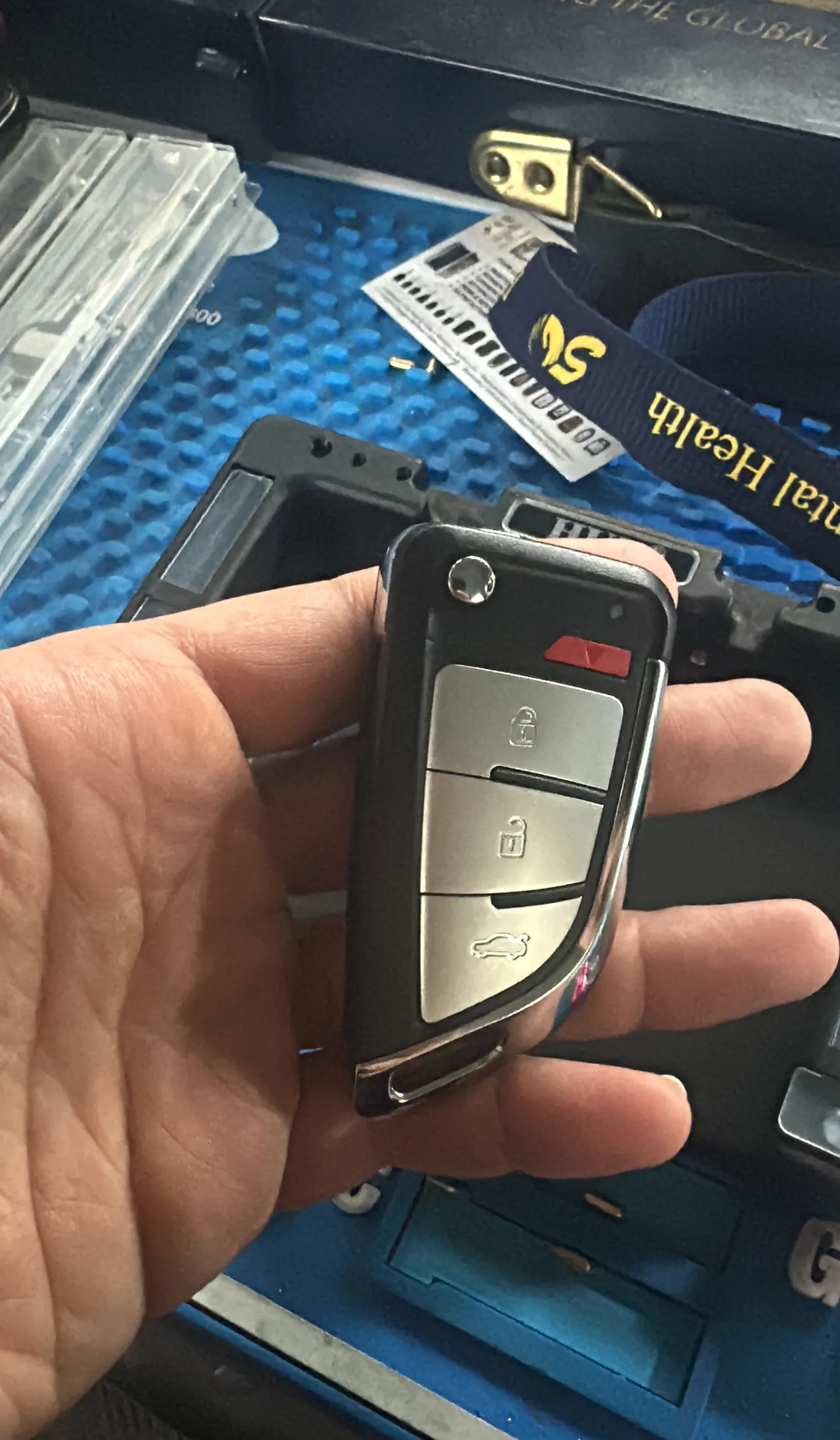
Keep the damaged fob and any detached pieces instead of discarding them before service. We offer Ford Explorer key fob replacement and key fob repair, covering replacement of a missing fob as well as work on one you still have.
Need help now? (240) 222-1318
Does Your Explorer Respond to the Spare Key or Fob?
- Start With Visible Damage — Look over the key and fob without taking them apart. Set aside a bent or broken key, and keep loose pieces away from the ignition; this check separates visible damage from a key that looks intact but does not work.
- Compare the Spare — Try an existing spare if you have one accessible. Check the same function with each key or fob so the comparison is useful: door-button operation against door-button operation, or a starting attempt against a starting attempt.
- Separate Entry From Starting — Check whether the problem affects opening the Explorer, starting it, or both. A fob whose buttons do not respond presents a different set of symptoms from a key that opens the door but leaves you unable to start.
- Read the Starting Response — During a starting attempt, read any message shown on the dashboard and note whether the vehicle makes a starting sound. Stop repeating the attempt if the key binds or shows damage; those observations are more useful than repeated unsuccessful turns.
Prepare Your Explorer’s Location, Remaining Keys and Ownership Documents
- Keep the Vehicle’s Exact Location Ready — Use the address where the Explorer is parked, including the parking level or space number when applicable. Keep your phone with you so the vehicle’s position remains accessible even if you step away from it.
- Gather the Keys You Still Have — Bring together any accessible spare keys, fobs and damaged key pieces. For a shared Explorer, check with the other driver before arranging replacement so an existing spare does not stay overlooked in another bag or pocket.
- Keep Ownership Documents Accessible — Have your identification and vehicle ownership documents ready for the service visit. If those documents are locked inside the Explorer, leave them there and keep any accessible ownership records with you.
Need help now? (240) 222-1318
Frequently asked questions
Can you reach my Ford Explorer if I am stranded away from home?
We come to your Explorer anywhere in Montgomery County, including when you are away from your home address. Use the vehicle’s current location when arranging service; the address on your registration does not tell us where it is parked.
What key service should we consider when two drivers share an Explorer?
A second key gives each driver a separate key to carry instead of passing one back and forth. We offer key duplication and Ford Explorer key fob programming; keep the existing working key accessible when arranging an additional one.
What should I do when my Explorer key turns but the vehicle will not start?
Try an accessible spare once, then note the dashboard message and the vehicle’s response to the starting attempt. A turning key alone does not establish that replacement will solve the problem. We offer ignition repair and ignition replacement as well as car key services.
Can you make a Ford Explorer key when I have no original?
We make a new car key on site when all keys are lost. Keep your identification and ownership documents accessible, and arrange service at the Explorer’s location so the vehicle is present for the work.
Missing Key or Fob Trouble?
Call (240) 222-1318 with your Explorer's current location. We are open 24 hours a day, 7 days a week.