
Lockly Door Access
Lockly Smart Lock Installation & Help in Rockville, MD
Call (240) 222-1318 for Lockly smart lock help when your code stops working, the bolt jams or you need installation. We come to your Rockville door for lockout service, repairs and code setup.
- Open 24 hours a day, 7 days a week
- Licensed and insured
- We speak English and Spanish
Get a fast quote
How a Lockly Smart Lock Controls Your Door
A Lockly smart lock uses electronic credentials to authorize entry and a mechanical locking mechanism to secure the door. Depending on the model, those credentials include keypad codes, fingerprints or app access. Battery power runs the electronics, while the bolt or latch still needs a clear path into the door frame.
On Lockly models with a PIN Genie keypad, numbers change position on the display; the authorized code stays the same. A rejected code and a bolt that struggles to move point to different problems, so we check access settings separately from door alignment. Our Lockly locksmith service covers the electronic controls and the physical lock.
Repair or Replace a Lockly Smart Lock That Stops Working?
When your Lockly smart lock is not working, we check battery condition, connections, mounting and bolt movement before recommending replacement. Repair makes sense when the problem comes from power, setup or a door that puts pressure on the bolt. A broken housing, damaged locking mechanism or failed electronic component requires a different decision: whether the affected part can be replaced or the complete lock needs changing. A factory reset does not correct a bolt rubbing against the strike plate, so we address that mechanical problem before changing access settings.
Need help now? (240) 222-1318
Where Lockly Code Access Fits Your Door and Routine
A household with separate access needs
A model with multiple user credentials lets household members use separate access instead of sharing one code. Choose a lock whose user capacity and access methods match the people using the door. Guest access features differ by model, so those features belong in the selection decision.
An existing door that closes cleanly
A smart lock suits a door whose preparation matches the lock’s installation requirements and whose bolt moves freely. A door that needs lifting, pulling or pushing to lock needs adjustment first. Adding electronic controls leaves that underlying alignment problem in place.
An owner comfortable maintaining electronic access
Lockly suits owners who will replace batteries and manage user credentials. A conventional mechanical lock is a better fit when you want key access without batteries or electronic setup. Decide which daily access method you want before selecting the hardware.
Lockly Installation, Reset and Door Hardware Service
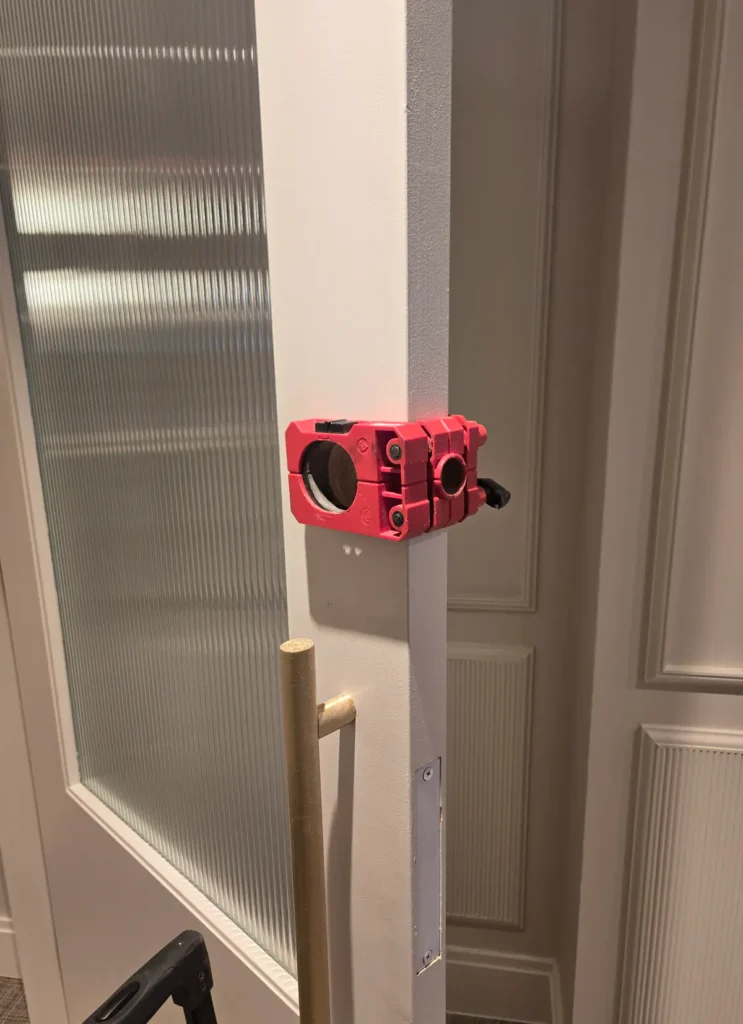
- Lockly Smart Lock Installation — We check the door preparation, fit the hardware and test bolt travel with the door open and closed. This separates installation problems from pressure caused by the frame.
- Power and Keypad Checks — We check the model’s battery requirements, battery placement and connections when the keypad stops responding. Repeatedly entering a code does not resolve a loss of power.
- Lockly Smart Lock Reset — We follow the reset procedure for the exact model and restore owner setup afterward. Reset procedures can erase access settings, so a reset belongs after basic power and mechanical checks.
- User Codes and Guest Access — We set up supported user credentials and test authorized access. Separate guest credentials let you remove a visitor’s access without changing the credentials used by everyone else.
- Mechanical Lock and Door Repairs — We check the bolt, latch, strike and mounting when the lock binds. For keyed models, lock rekeying addresses physical key access separately from keypad codes.
Need help now? (240) 222-1318
Frequently asked questions
Can you rekey my Lockly smart lock in Rockville?
We check whether your Lockly model has a mechanical key cylinder that supports rekeying. Rekeying changes the physical key that operates that cylinder; it does not change electronic user codes. When a previous occupant had both a key and a code, those are two separate access changes.
What should I do if I am locked out by my Lockly lock in Rockville?
Call (240) 222-1318 for lockout assistance before attempting to force the lock or door. We check whether the problem involves rejected credentials, lost power or a jammed mechanism. Keep any authorized key or owner app access available for the service visit.
Can you add a household member or guest to my Lockly lock?
We check the user and guest access features supported by your model, then add the appropriate credential through its owner controls. Use separate credentials for visitors so their access can be removed independently. Scheduled or temporary access requires a model that supports those settings.
How do I change a Lockly code when I already know the current code?
A working entry code does not always provide permission to manage users; you need the model’s owner or administrator access. Follow its code management instructions to edit or replace the credential. Keep the door open while testing the new code, and check that the old code no longer works when you intend to remove it.
Will a Lockly smart lock fit my existing Rockville door?
We compare your door’s thickness, existing holes, edge spacing and interior clearance with the exact model’s installation requirements. The strike opening must also give the bolt enough room to extend fully. Existing holes alone do not establish compatibility, and a door that sticks needs correction before the lock can operate properly.
Get Your Lockly Door Access Working
Call (240) 222-1318 for a rejected code, jammed lock or new installation. Keep your owner credentials private and enter them yourself during setup.